Do You Need a Cycling Computer for Recreational Road Riding?
I’ll help you avoid the common mistake of buying a GPS cycling computer before you know what your rides actually require. Compare riding by time, phone, basic computer, and GPS unit through navigation, safety, cost, and distraction.
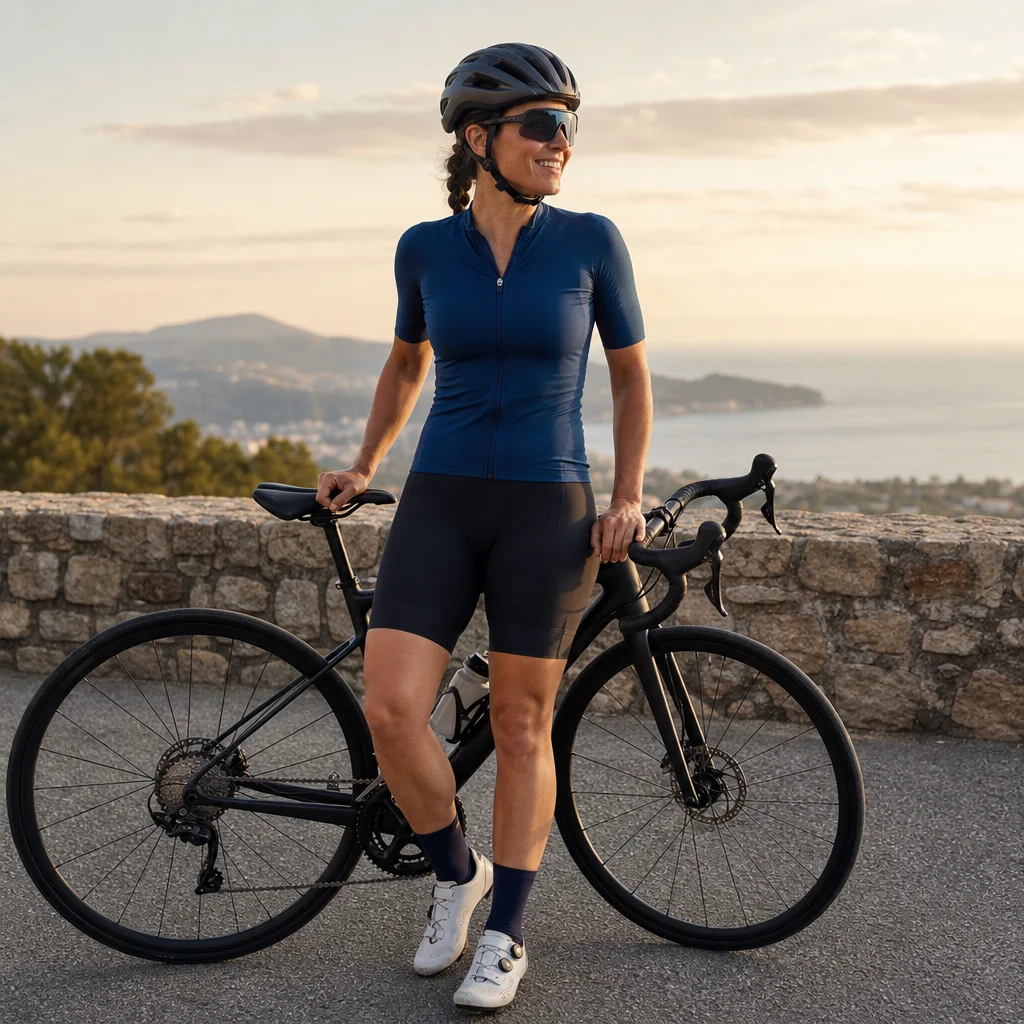
If you’re starting recreational road riding, a cycling computer can look like essential equipment. It can also become an expensive answer to a problem you don’t have. For many riders, a watch, phone, or simple routine is enough; others benefit from dedicated navigation or ride data.
The sensible choice depends less on how serious you are and more on how you ride. Consider your routes, phone habits, budget, comfort with technology, and tolerance for stopping to check directions.
Start with what you need to know during a ride
Before comparing devices, identify the information you actually want while moving. Most recreational riders fall into one or more of these categories:
- Time: You want to know how long you’ve been riding or when to turn around.
- Basic ride data: You’d like speed, distance, or elapsed time without relying on estimates.
- Navigation: You regularly ride unfamiliar roads and need turn-by-turn directions or a route map.
- Training feedback: You want to follow a structured workout, monitor heart rate, or manage effort.
- Safety and reassurance: You want your location recorded, an emergency feature, or a way to stay in contact.
A dedicated computer can support all of these needs, but you don’t have to buy one to gain all of them. The right option is the simplest tool that gives you useful information without creating new distractions.
Option one: Ride by time and route familiarity
Riding by time is the lowest-cost approach. You can set a planned duration before leaving, use a watch or clock when you return, and choose routes you already know. If your goal is general fitness, fresh air, or a relaxed outing, this may be all you need.
This approach works especially well when you:
- Ride familiar roads near home.
- Don’t need exact distance or speed.
- Prefer to keep your attention on traffic, road surfaces, and the experience of riding.
- Don’t want another battery-dependent device.
Its limitation is feedback. Without a distance estimate, it’s harder to compare routes or understand how far you can comfortably go. You also need another navigation plan if you change your route or become unsure of your location.
A simple workaround is to plan a route before leaving and save the details offline. You can also choose a loop with obvious landmarks rather than trying to improvise every turn.
Option two: Use your phone
Your phone is often the best first navigation and tracking tool because you already own it. A route-planning app can provide maps, directions, distance, and an estimated ride time. Depending on the app and settings, it may also record your ride for later review.
A phone is a strong choice when you:
- Ride only occasionally.
- Want navigation for unfamiliar routes but don’t need it every week.
- Are still learning what data matters to you.
- Want to avoid buying equipment before your riding habits settle.
You can keep the phone in a jersey pocket or bag and check it only when stopped. That reduces distraction and avoids the problems caused by staring at a small screen in traffic.
A handlebar mount makes the phone easier to see, but it introduces trade-offs. Vibration, weather, battery drain, heat, and the risk of damaging or losing the phone may matter depending on the model and mount. A large navigation screen can also tempt you to interact with it too often.
If you use your phone for navigation, download the route or map when possible, start with a charged battery, and carry a backup way to identify your location. A small paper route note or familiar landmarks may be enough for a local ride.
Check your phone setup before an unfamiliar route: Confirm that the map works without reliable cellular service, your route is available offline if needed, and local rules allow the way you plan to mount or use a phone while riding. Regulations and app features vary by location and can change.
Option three: Buy a basic cycle computer
A basic cycle computer usually displays information such as current speed, distance, elapsed time, and sometimes average speed or ride duration. Many models use a wheel sensor, while others estimate movement through satellite positioning. The exact features vary, so compare the display and sensor requirements rather than relying only on the product category.
This is a useful middle ground if you want ride data but not full navigation. It keeps your phone in your pocket, generally uses less battery than a phone-based ride, and can provide information at a glance.
Choose a basic computer when:
- You want speed and distance on nearly every ride.
- Your routes are familiar or planned separately.
- You prefer a small, focused display.
- You want fewer notifications and less phone handling.
- You’re willing to install and maintain a sensor or charge another device.
The main mistake is buying a basic computer expecting it to guide you through complex routes. Some models have no mapping or navigation at all. Others may show limited route information without offering the detailed guidance you expected.
A basic computer also adds setup decisions. Wheel sensors need correct positioning and may require batteries. Satellite-based units need a clear signal and may record less accurately in difficult environments. Neither issue is usually serious, but both are worth understanding before purchase.
Option four: Invest in a GPS cycling computer
A GPS cycling computer makes the most sense when navigation or detailed ride data is a regular part of your riding. Depending on the model, it may offer maps, turn prompts, route loading, elevation information, workout support, heart-rate or power data, route recording, and safety features.
The benefits are most noticeable when you:
- Routinely explore unfamiliar roads.
- Want turn-by-turn directions without using your phone as the primary screen.
- Ride long enough for phone battery life to become a concern.
- Use sensors or structured workouts.
- Prefer a device designed specifically for outdoor riding.
Dedicated units typically offer better battery efficiency and clearer cycling-focused controls than a phone, but they cost more and require another charging routine. Some features may depend on a companion app, map updates, subscriptions, or compatible sensors. Prices, included functions, and service terms differ substantially, so check current specifications before buying.
A GPS computer also doesn’t remove every navigation risk. Maps can contain outdated roads, closed paths, private access, or incomplete information. Treat prompts as assistance, not as permission to ignore signs, road closures, or changing conditions.
Compare the trade-offs directly
| Approach | Best for | Main advantage | Main limitation |
|---|---|---|---|
| Riding by time | Familiar, casual rides | No extra equipment or battery | Little distance or route feedback |
| Phone | Occasional navigation and tracking | Uses equipment you already own | Battery drain and potential distraction |
| Basic computer | Regular speed and distance tracking | Focused, simple ride data | Usually limited navigation |
| GPS computer | Frequent exploration or structured riding | Dedicated navigation and cycling data | Higher cost and more setup |
The cheapest option isn’t always the most efficient. If a phone mount makes you worry about damage or keeps you checking notifications, a basic computer may be a better practical purchase. If you repeatedly stop to study phone directions, a GPS unit may save time and frustration. On the other hand, buying a GPS unit for a few familiar rides each month may leave expensive features unused.
Make the decision using your next ten rides
If you’re uncertain, delay the purchase and observe your actual habits. For your next several rides, note:
- How often you need navigation.
- Whether you want speed, distance, or only elapsed time.
- How often you stop to check your phone.
- Whether your phone battery remains comfortable after the ride.
- Which information would have changed a decision or improved the ride.
If you never miss navigation and don’t care about data, continue riding without a computer. If you want occasional directions, use your phone conservatively and keep it available for emergencies. If you want simple feedback every ride, consider a basic cycle computer. If unfamiliar routes, training data, or long rides are becoming routine, compare GPS units by the features you’ll use—not by the longest feature list.
Don’t overlook safety and attention
A computer should reduce uncertainty, not compete with your awareness. Set up routes and screens before you start, keep alerts limited, and stop in a safe place when you need to make changes. You still need to watch traffic, road conditions, other cyclists, and pedestrians.
A device can support safety by helping you return along a planned route or share ride information, but it isn’t a substitute for basic preparation. Carry a charged phone, identification, any essential medication, and enough repair equipment for the ride. The exact items depend on your route, weather, and distance.
Practical next steps
You probably don’t need a cycling computer simply because you’ve started riding on the road. Begin with the least complicated method that solves your current problem:
- Use time and familiar routes if you want uncomplicated rides.
- Use your phone for occasional navigation, preferably without handling it while moving.
- Choose a basic computer for consistent speed and distance information.
- Choose a GPS unit when navigation, long rides, or structured data are regular needs.
Review the decision after your riding changes. The best device isn't the one with the most functions; it’s the one that gives you useful information while helping you stay focused on the road.